
Phishing is a common cyberattack that everyone should know about. It’s a simple premise, usually performed through email. The malicious actors send messages pretending to be from trusted sources such as delivery services, banks and just about any well-known company.
Crooks send countless messages and wait for potential victims to bite. The goal is to steal sensitive data such as credit card and login information or to install malware on a victim’s device. Tap or click here to find out which company is impersonated in nearly half of all phishing attacks globally.
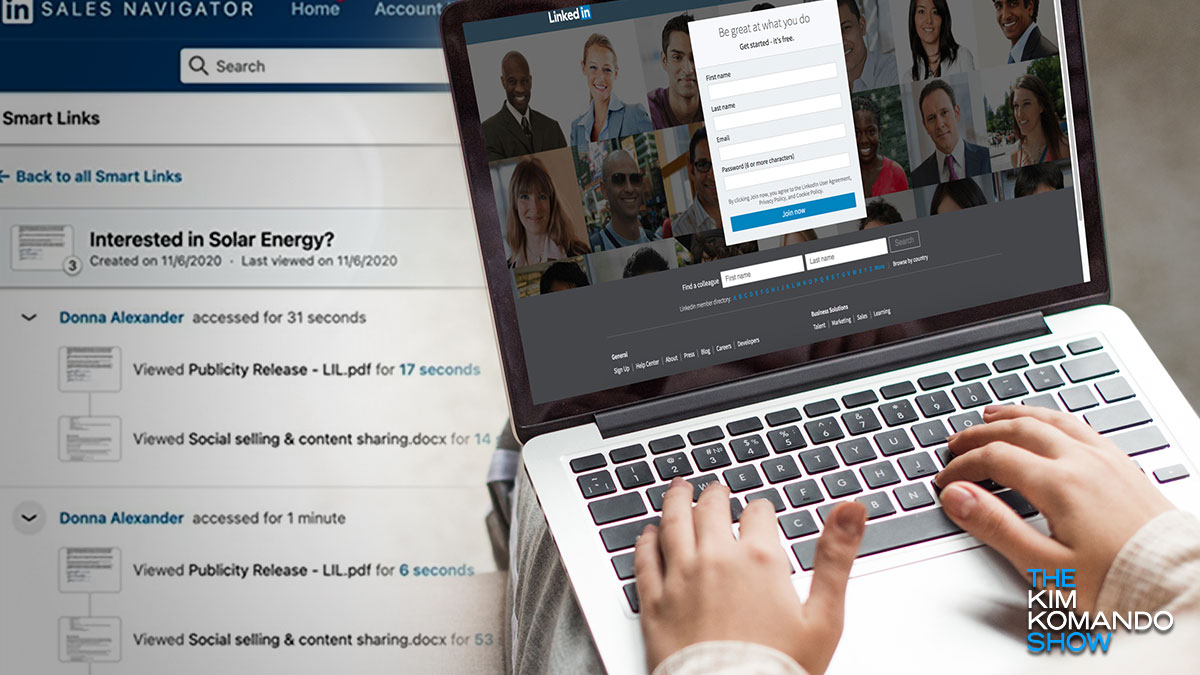
Now, a LinkedIn tool is being used in phishing attacks. This is awful news since so many people use the site to find jobs or recruit employees. Here’s how the scam works and what to look out for.
Here’s the backstory
Premium LinkedIn accounts like Enterprise and Sales Navigator use the Smart Link tool, making it easier to package and share content. With Smart Link, a company can bundle up to 15 assets, such as PDFs, case studies, links, brochures, and presentations to send via email. The recipient receives a single Smart Link that leads to the entire bundle.
Unlike a landing page which would require visitors to fill in a form with their information, Smart Links immediately capture their LinkedIn information. It’s a valuable tool for tracking who clicked through the assets and how long they stayed. Unfortunately, this also leaves room for abuse.
