
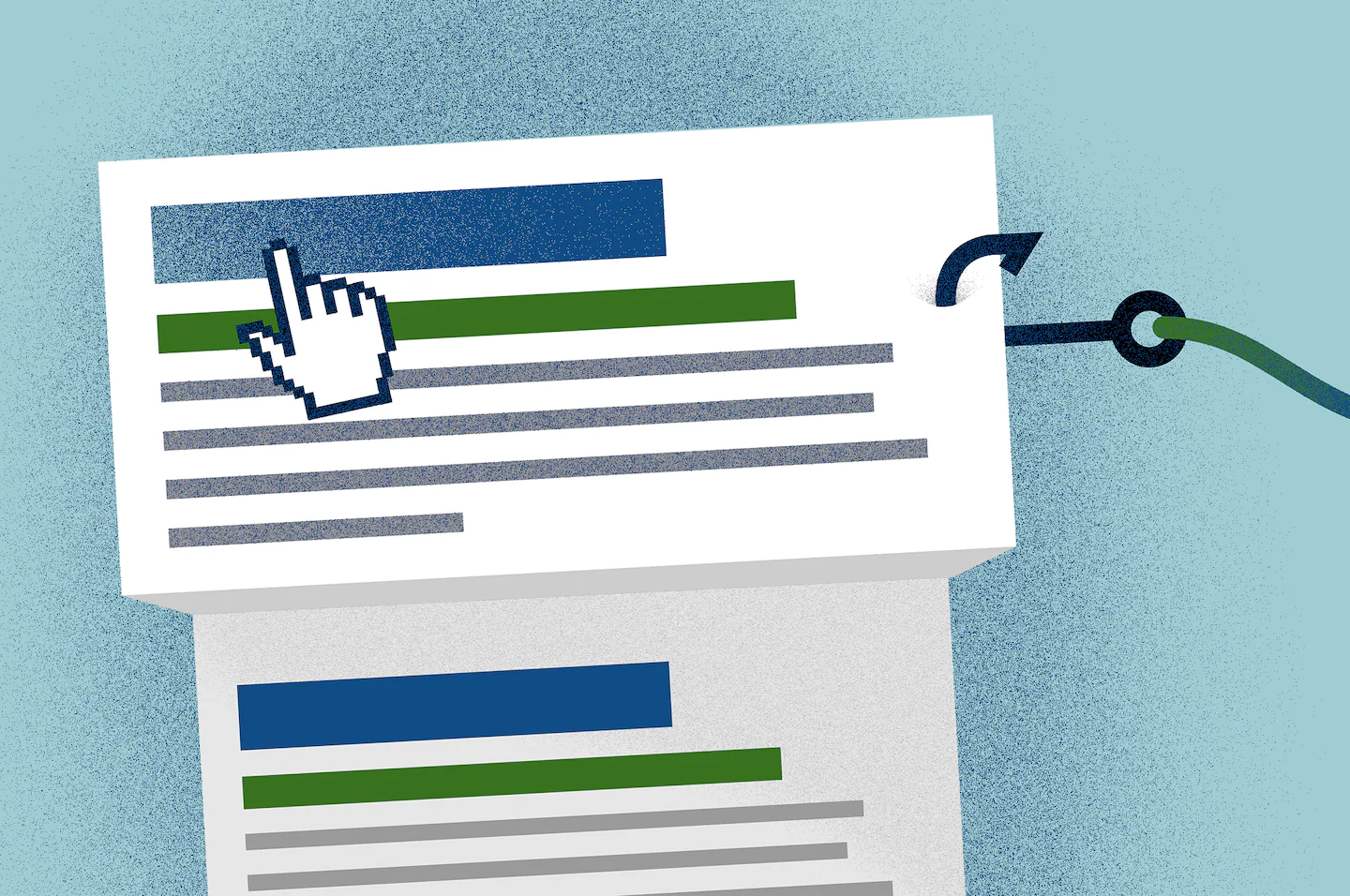
It’s called “malvertising,” and if you’re not vigilant at spotting it, you could get burned.
Washington Post reader Jack Wells wrote to me recently after a fright. “I am afraid I may have been hacked this morning, and I wonder if you could offer any advice on how to deal with it,” he wrote.
Here’s what happened: Wells had gone to DuckDuckGo, the privacy-focused search engine I also use, and typed “Citibank login” in the hopes of visiting the banking portal. The first item appeared to be an ad for the Citibank log-in page, so he clicked on it.
Strangely, Wells got taken to a blank screen. So he hit the back button and discovered he was on a page whose actual address ended in “.ru” (for Russia) and was most definitely not Citibank.
It appears Wells had fallen for a scam search ad used to trick people into inadvertently handing over their passwords or downloading malware. When I asked DuckDuckGo about his experience, spokeswoman Allison Goodman said the company wasn’t able to re-create it, but it suspects he may have clicked on an ad link that now had been removed.
“We’ve seen this happen very…
