
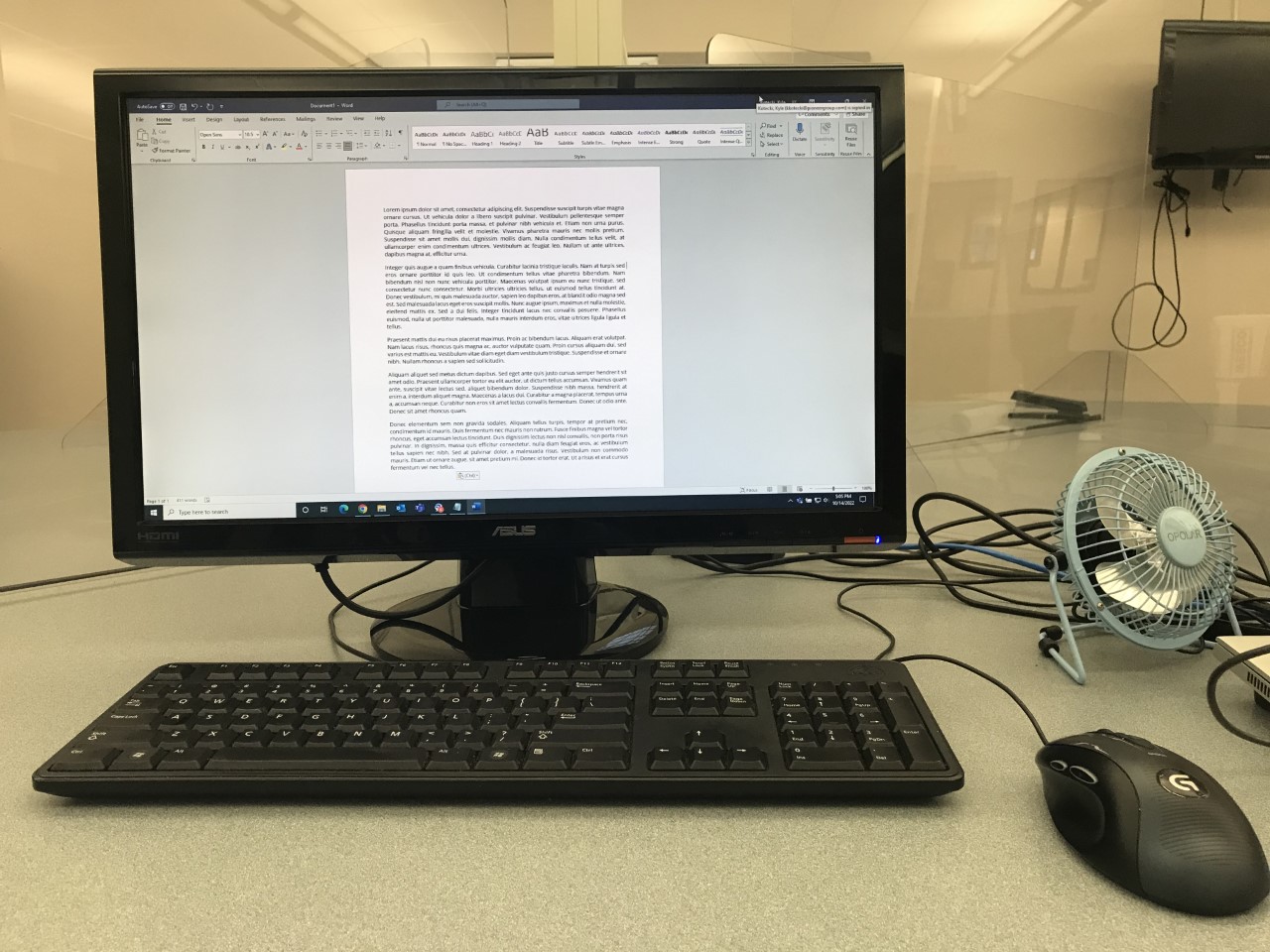
Due to the danger of viruses, phishing scams, malware and more, sitting down to use a computer is becoming an increasingly intimidating endeavor.
The News Advocate reached out to Dave Gagstetter, Manistee Area Public Schools data and device systems specialist, to learn how to mitigate some of the risk that goes along with connecting to the world wide web.
MANISTEE NEWS ADVOCATE: Is there any software you can recommend to help people remain safe from online threats?
GAGSTETTER: I have used a web browser extension called Privacy Badger for years on all of my personal and work computers. It blocks a majority of ads and third-party trackers from tracking you across the web. Although I don’t personally use them, my colleagues also recommend and uBlock Origin.
If you are unfamiliar with browser extensions, you can search the web for the names which I provided, which will give instructions on how to install and use them. Consider an extension as an add-on to the functionality of your web browser.
MNA: How important is a strong password? What tips do you have for creating one that is secure?
GAGSTETTER: I recommend using a password manager app on your computer and phone. I use , but is another great alternative. With LastPass, I only need to remember a master password (which I have set up with two-factor authentication), then…
